

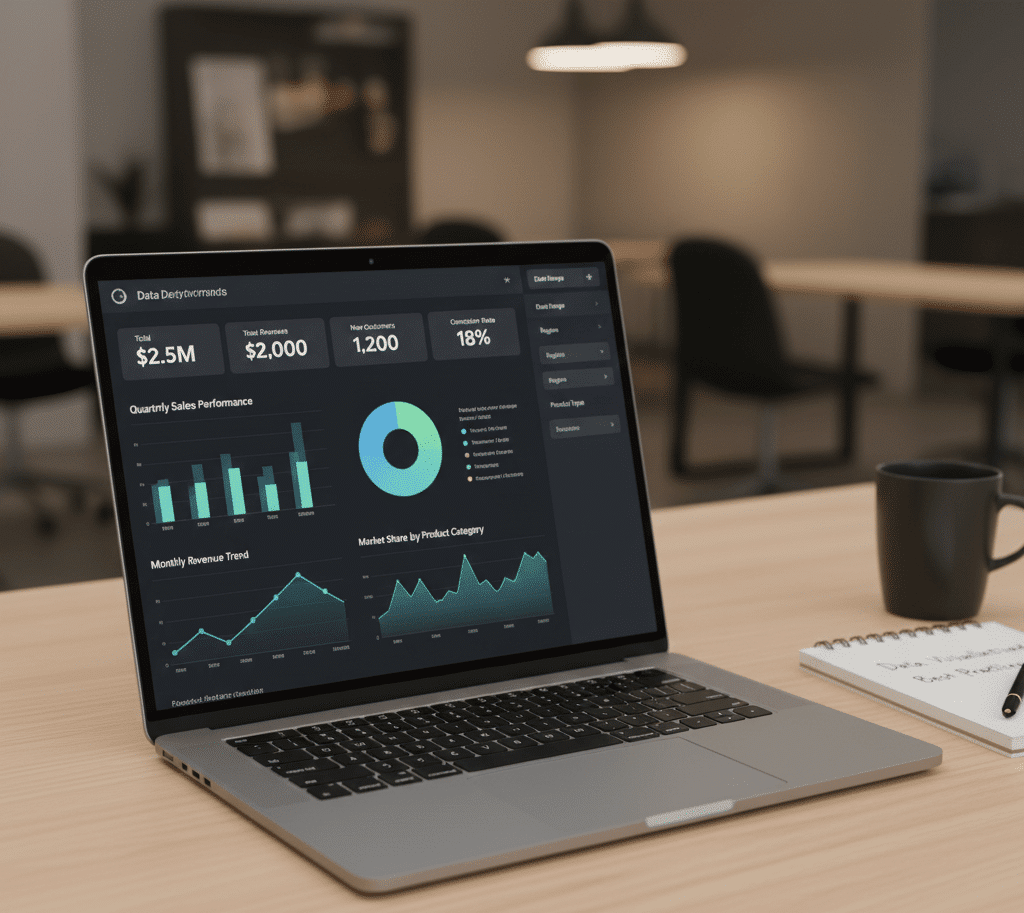
Data visualization is more than charts—it’s storytelling with data. Interviewers want to know if you can choose the right visuals, design intuitive dashboards, and communicate insights effectively. Below are interactive Q&A with explanations and Power BI/Tableau tips.
Section A — Visualization Principles
1) What are the core principles of effective data visualization?
Answer:
- Clarity: Avoid clutter; focus on the message.
- Accuracy: Represent data truthfully (no misleading scales).
- Context: Include labels, titles, and benchmarks.
- Consistency: Use uniform colors and fonts.
- Accessibility: Ensure readability for all users.
Explanation: Good visuals reduce cognitive load and guide decision-making.
2) How do you choose the right chart type?
Answer:
- Comparison: Bar/column chart.
- Trend: Line chart.
- Distribution: Histogram or box plot.
- Part-to-whole: Stacked bars (avoid pies for many categories).
- Relationship: Scatter plot.
Power BI Tip: Use custom visuals sparingly; stick to standard charts for clarity.
3) What is chart junk, and why avoid it?
Answer:
Chart junk refers to unnecessary elements (3D effects, excessive colors, decorative icons) that distract from the data.
Explanation: Simplify visuals to highlight insights, not aesthetics.
4) How do you design a KPI dashboard?
Answer:
- Identify business goals first.
- Use cards for KPIs (e.g., revenue, churn rate).
- Add trend indicators (arrows, color coding).
- Enable drill-through for details.
- Keep layout responsive for different devices.
5) What is the difference between exploratory and explanatory dashboards?
Answer:
- Exploratory: For analysts to dig into data (filters, slicers).
- Explanatory: For executives; highlights key insights and decisions.
Section B — Power BI & Tableau Specific Questions
6) How do you improve Power BI dashboard performance?
Answer:
- Use aggregations and incremental refresh.
- Optimize DAX (avoid iterators like
SUMXon large tables). - Reduce visuals per page.
- Use star schema in data model.
7) Explain filters vs slicers in Power BI.
Answer:
- Filters: Apply conditions at visual, page, or report level.
- Slicers: Interactive UI element for users to filter data dynamically.
8) How do you implement row-level security (RLS)?
Answer:
Define roles in Power BI Desktop and apply DAX filters (e.g., Region = USERPRINCIPALNAME()).
9) What is LOD (Level of Detail) in Tableau?
Answer:
LOD expressions control aggregation at different levels than the view.
Example: {FIXED [Region]: SUM([Sales])} calculates sales per region regardless of filters.
10) How do you handle color blindness in dashboards?
Answer:
Use color-blind friendly palettes, rely on patterns and labels, and avoid red-green combinations.
Section C — Scenario-Based Question
Scenario: Your dashboard shows declining revenue, but stakeholders misinterpret seasonal dips as a crisis.
Strong Answer Outline:
- Add year-over-year comparison.
- Include seasonality markers (e.g., holiday periods).
- Use annotations to explain context.
- Provide forecast trend line for clarity.
Quick Practice (Interactive)
- Redesign a pie chart with 10 categories into a better visualization.
- Create a Power BI dashboard with KPIs, trend charts, and drill-through.
- Explain why you chose each visual.
Common Mistakes & Fixes
- Overloading dashboards: Limit visuals per page.
- Ignoring audience: Tailor dashboards for decision-makers vs analysts.
- Poor color choices: Stick to accessible palettes.
- No context: Always include titles, legends, and benchmarks.
Blog Post #4 — Python & Data Analysis Coding Interview Questions(NumPy, Pandas, data cleaning, EDA, and visualization coding tasks.)
Blog Post #1 — Data Analyst Interview Questions & Answers in 2026